
Jobs
Jobs runs an engagement from first inquiry through delivery: a pipeline board, operations dashboard, win/loss intelligence, a client book, and a searchable knowledge base.
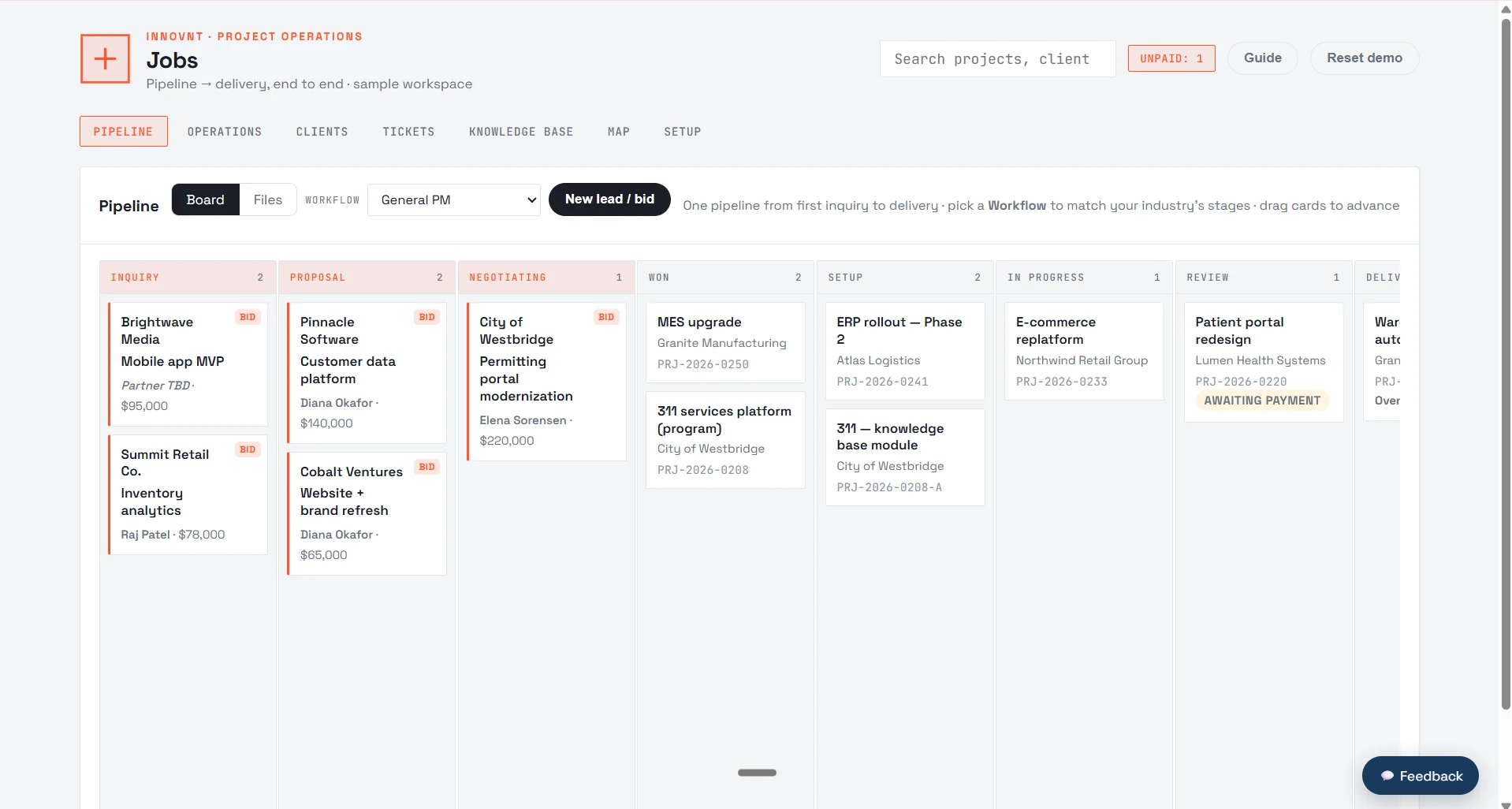
Pipeline stages, fees, due dates, and assignees in a single view, so nothing sits in a spreadsheet or inbox thread.
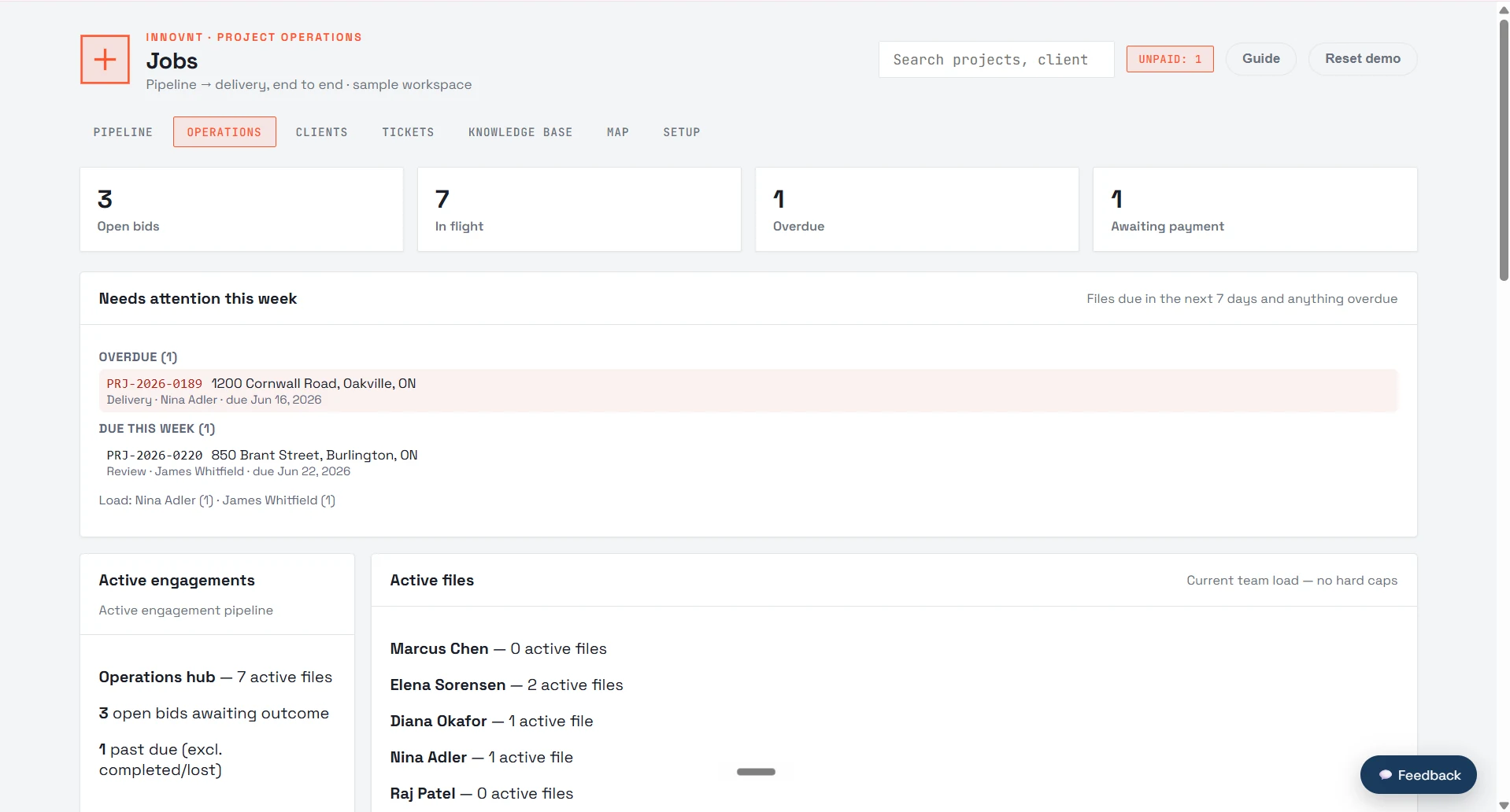
Workload, win/loss, and the attention queue tell you what needs a decision before the day gets away from you.
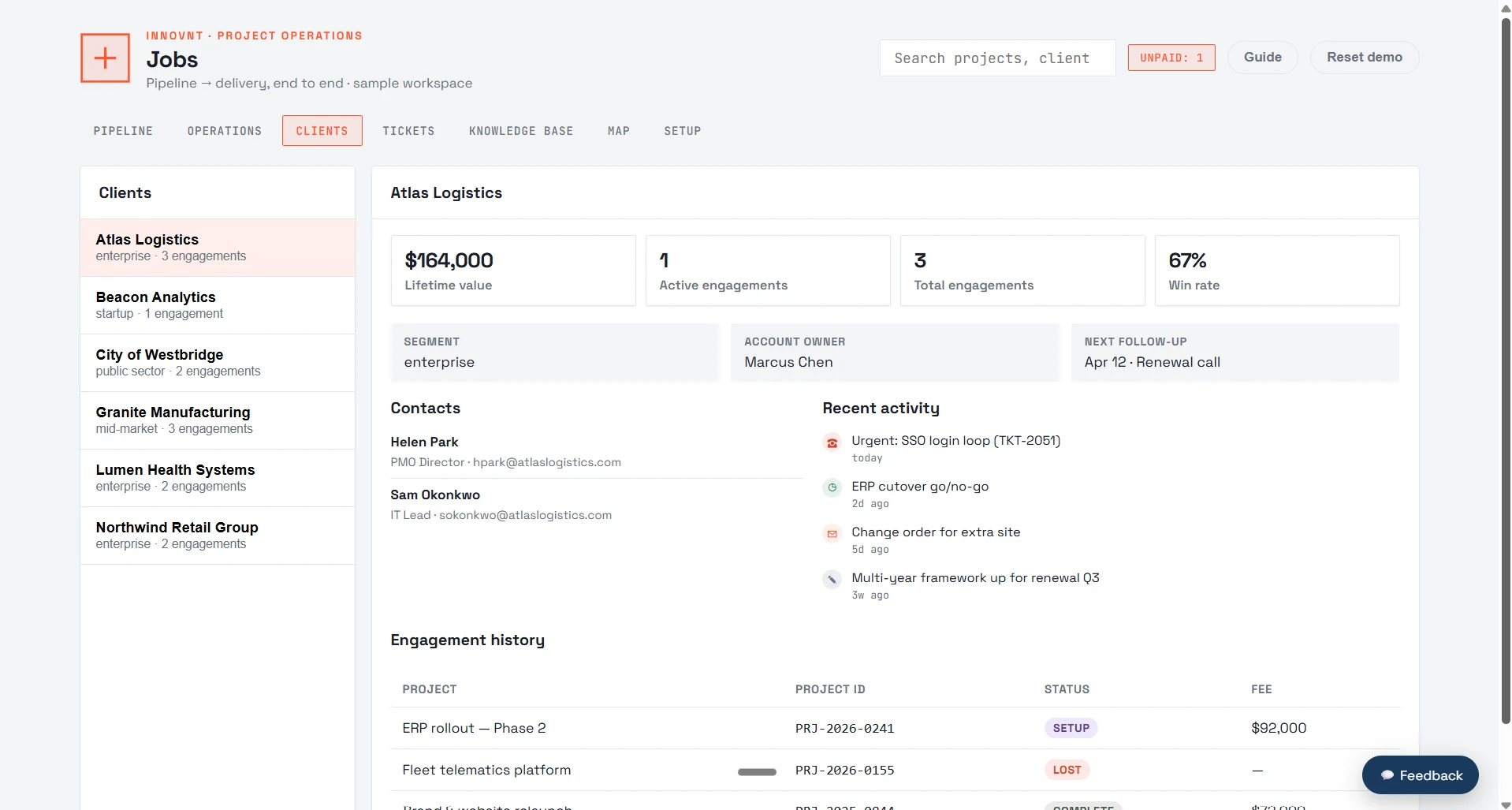
Every engagement, contact, and file history in one place, linked to the work you are running right now.
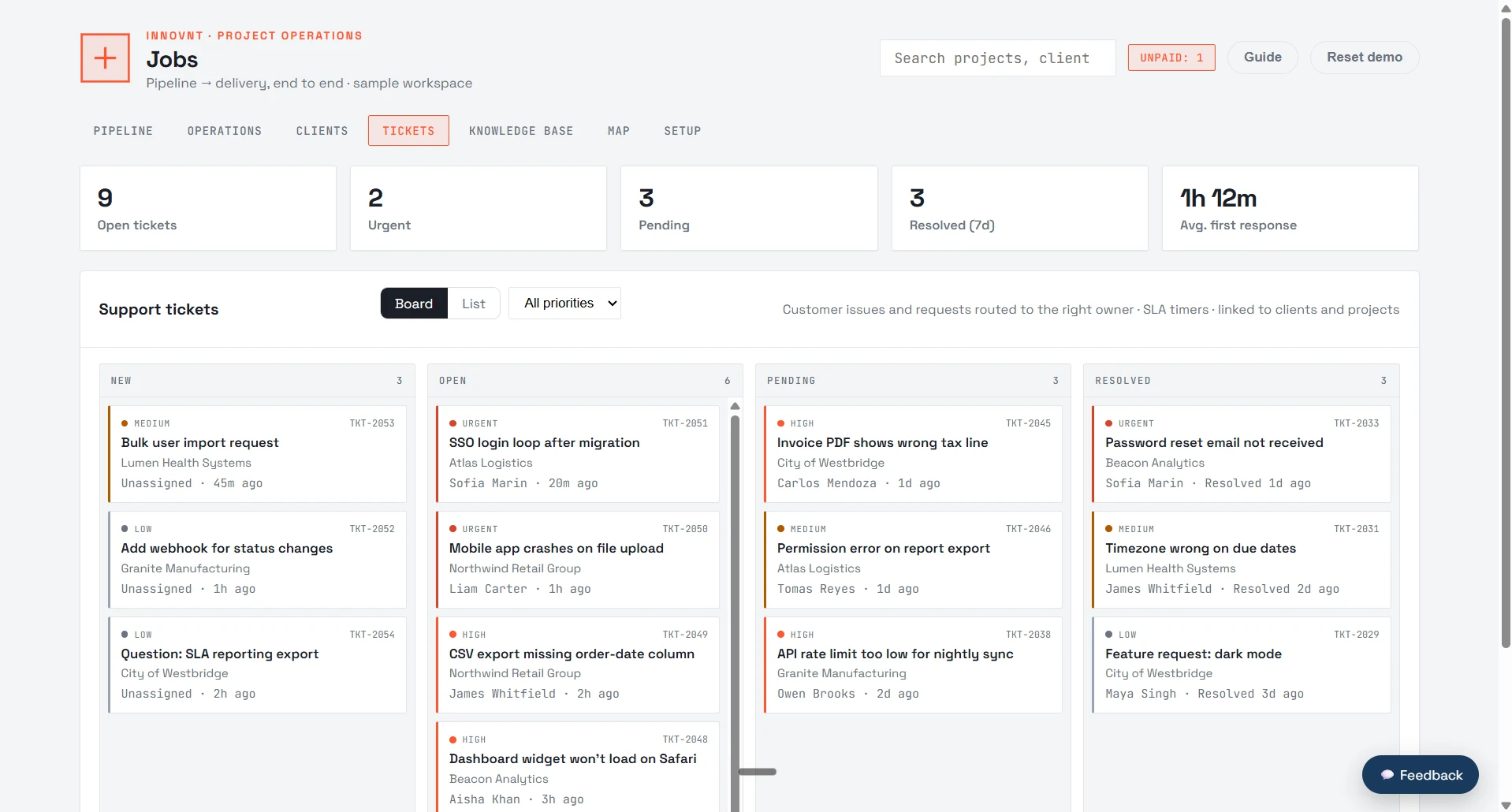
Follow-ups and internal tasks stay on a board with owners and status, instead of scattered across email.
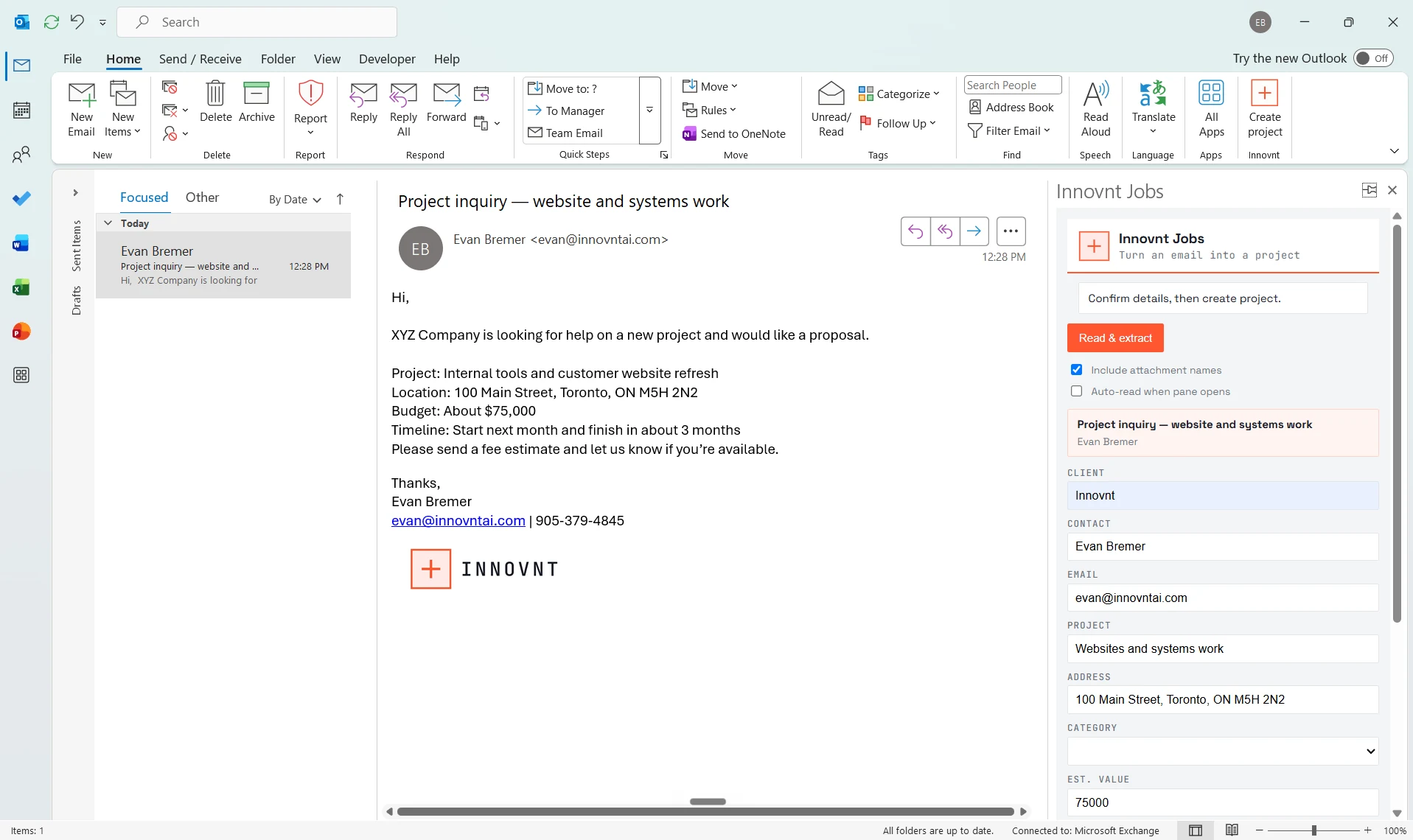
The Outlook add-in reads an inquiry, suggests a project match, and files it to the pipeline without leaving your inbox.
Teams see every bid and active file in one place, route work to the right people, and never let a deadline or invoice slip.
- Full pipeline board with fees, due dates, and assignees
- Operations dashboard, workload, win/loss intelligence, attention queue
- Client book, searchable knowledge base, and project map
- Integrations for documents, email capture, exports, and client links
- Your pipeline stages and auto-assignment rules
- Fee structures, client types, and regions
- The knowledge base and document/email integrations
- Reporting and win/loss categories
Want Jobs for your business?
We tailor it to how you actually run. Book a meeting and we will map it out.